
Commands
A command is a word your chat types that the bot answers. Pyre ships a set of them and lets you write your own.
Create a command
Section titled “Create a command”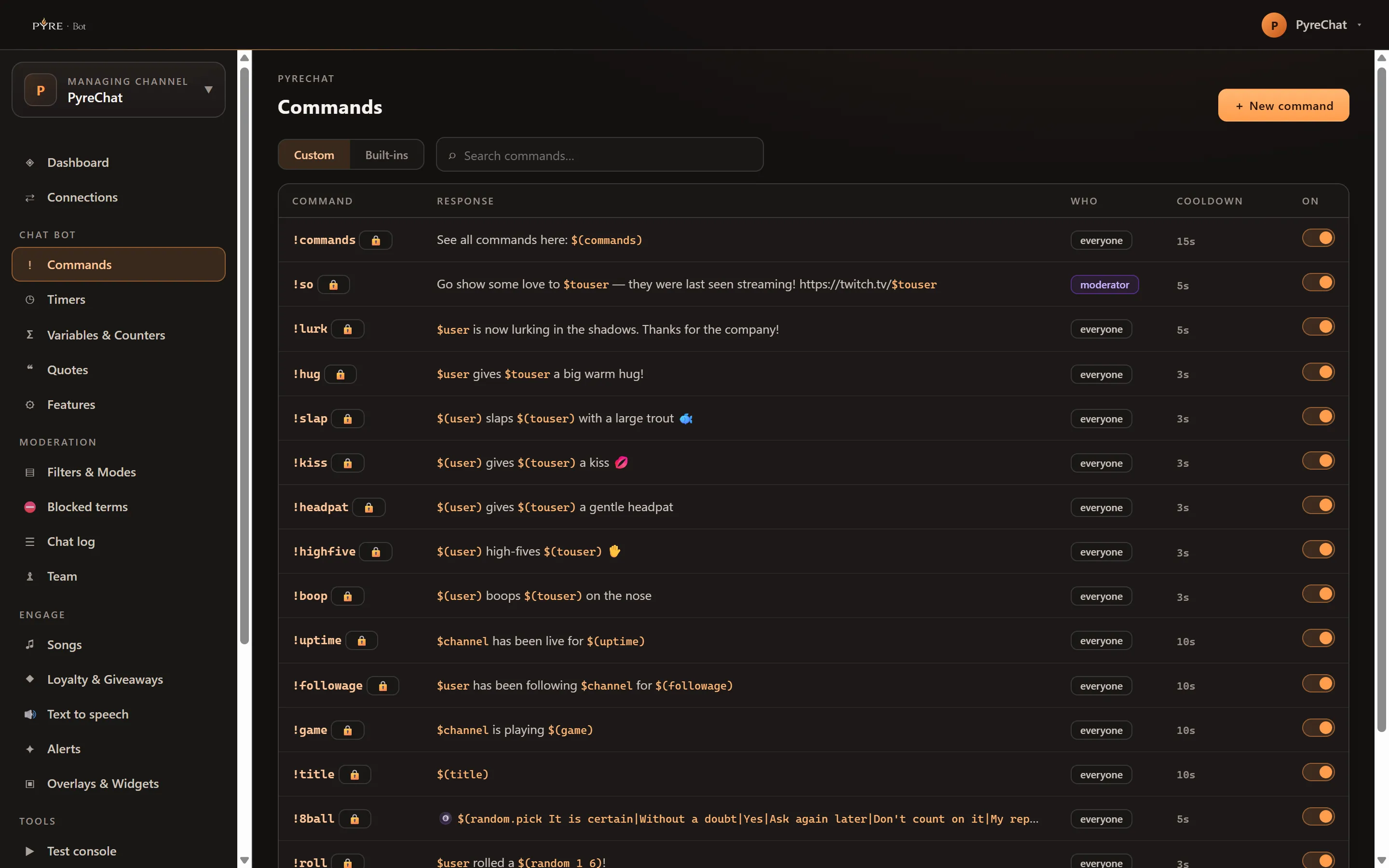
-
Open Commands and add a new one. The editor opens in a rail on the right.
-
Give it a Name, the word chat types, for example
discord. -
Write the Response. Plain text works. Variables make it useful, and the chips under the box insert them for you.
-
Choose the Trigger style.
! Prefixanswers!discord.Keyword (anywhere)answers the word wherever it appears in a message. -
Add Aliases if you want more than one way to run it. Comma separated.
-
Choose Who can use it: Everyone, Subscriber, VIP, Moderator or Broadcaster.
-
Set the cooldowns. Cooldown (seconds) is global, between any two uses, and starts at 5. Per-user cooldown applies to each viewer separately and starts at 0, meaning off.
-
Set the Live gate if it should only work at certain times:
Always available, orOff while live.
Variables
Section titled “Variables”Variables let one command answer differently every time it runs. They cover the person who ran it, the arguments they typed, random numbers, counters you keep, and values fetched from a URL.
The Commands editor lists them as chips with a one line description each: the common ones are shown, and the rest are one click away. Click a chip to drop it into your response rather than typing it from memory.
Timers
Section titled “Timers”A timer posts on a schedule. It is not a command on a clock: a timer carries its own message rotation. The main Message and the extra lines under Also rotate through are one list, up to twenty extra lines, and the timer works through them one per fire, so a full cycle is twenty one posts before it repeats.
Two settings decide when it fires:
- Every (minutes), from 1 to 1440, starting at 15.
- Min. chat lines, an optional floor that holds the timer back until that many messages have been said since it last posted. It starts at 0, which means the timer fires on its interval regardless. Set it if you do not want a bot talking to an empty room.
A timer posts to every platform you have connected, so one fire is one message in each of your chats, and on YouTube each of those spends API quota. What Pyre does merge is timers that come due together: several timers due in the same scheduling pass go out as a single post per channel rather than a burst.
Timers have a guide of their own, covering the rotation, the activity gate and the live only switch in full: Timers.
Importing from another bot
Section titled “Importing from another bot”Moving from another bot does not mean retyping everything. The Import page under Tools brings your commands across from StreamElements, Fossabot, Nightbot or Streamlabs. It previews what it found before it writes anything, and it never overwrites a command you already have.
Import has a guide of its own, covering what each source can actually give you, how your variables get rewritten, and what gets skipped and why: Import from another bot.